![[ArtCraft] - FREE Adobe Alternative!](/_astro/pasted-image-1792594751628.DO1aQ5HU_1HD4Nb.webp)

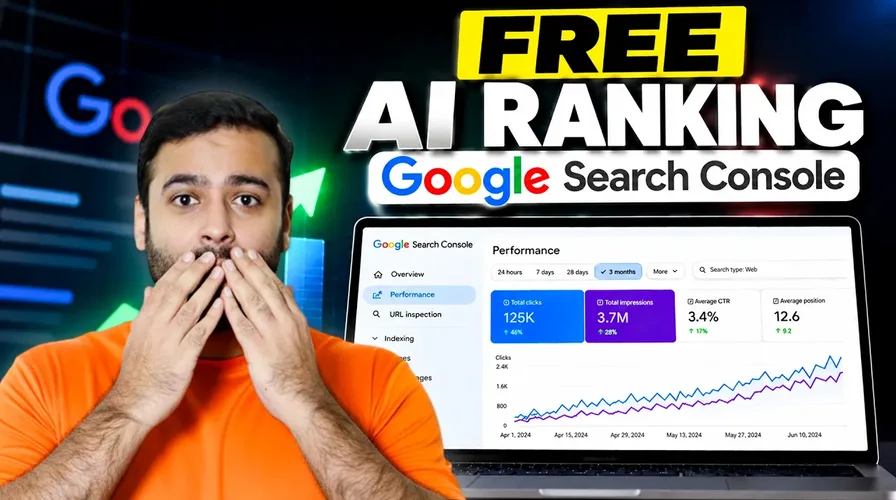
Want to improve your website’s Google rankings without spending money on expensive SEO tools? Google Search Console is one of the best free SEO tools for tracking your website’s performance in Google Search.
Whether you have a WordPress website, Shopify store, or eCommerce business, this step-by-step guide will show you how to set up Google Search Console, monitor your SEO performance, and explore its AI-related features
Step 1: Set Up Google Search Console
First, visit Google Search Console and sign in with your Google account.
- Click Start Now.
- Select Add Property.
- Choose Domain or URL Prefix.
- Enter your website URL.
- Follow the instructions to verify ownership.
Once verified, Google Search Console will start collecting search performance data for your website.
Step 2: Track Your Google Rankings and SEO Performance
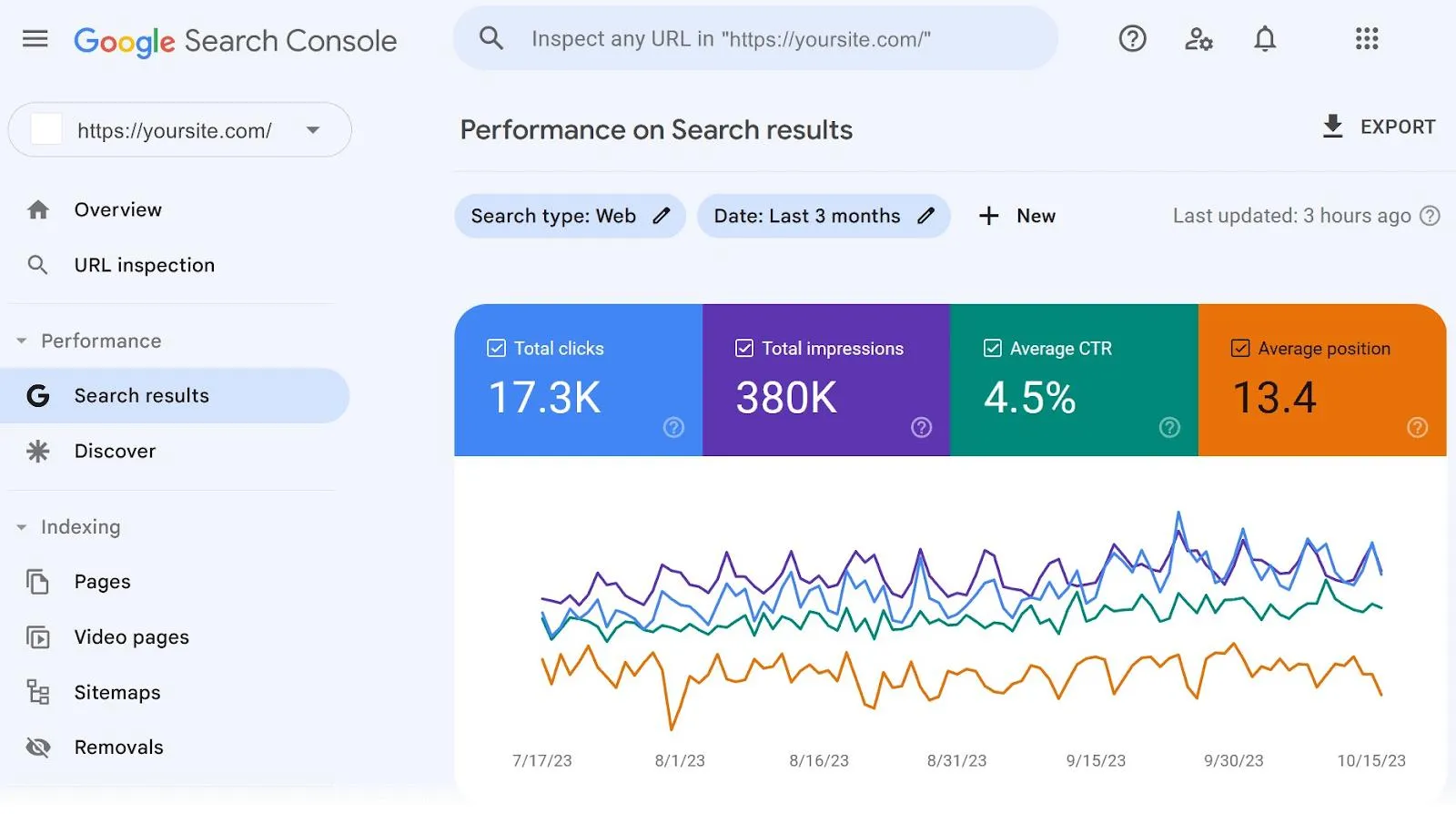
Open the Performance → Search Results report to monitor four important SEO metrics:
- Total Clicks: How many visitors clicked your website from Google Search.
- Total Impressions: How often your website appeared in search results.
- Average CTR: The percentage of impressions that resulted in clicks.
- Average Position: Your website’s average ranking position across search queries.
You can also compare the last 7 days, 28 days, or 3 months to understand whether your SEO performance is improving.
Step 3: Explore Google Search Console’s AI Features
Google’s AI Overviews are changing how users discover information through search.
Google Search Console helps you understand your website’s visibility in Google Search, including performance data that incorporates supported AI search experiences.
The video also demonstrates an AI-related reporting interface for exploring impressions, pages, countries, and devices.
Important: Standard Google Search Console performance reports do not currently provide a separate, universal AI Overview impressions report or an AI Overview-specific enable/disable setting. Availability of additional AI reporting interfaces may vary.
Step 4: Connect Google Search Console to WordPress
If your website runs on WordPress, you can easily verify ownership using the free Yoast SEO plugin.
- Open your WordPress dashboard.
- Navigate to Plugins → Add New.
- Search for Yoast SEO, install it, and activate it.
- In Google Search Console, select the HTML Tag verification method.
- Copy the verification code.
- Open Yoast SEO → Settings → Site Connections.
- Paste your Google verification code into the Google field.
- Save your changes and return to Search Console to click Verify.
Your WordPress website is now connected!
Step 5: Connect Google Search Console to Shopify
Shopify store owners can also set up Google Search Console without installing an additional app.
- Open your Shopify admin dashboard.
- Navigate to Online Store → Themes.
- Duplicate your active theme as a backup.
- Click the three-dot menu and select Edit Code.
- Open Layout → theme.liquid.
- Copy the HTML verification tag from Google Search Console.
- Paste the tag just above the closing
</head>tag. - Save the file and click Verify in Google Search Console.
That’s it! Your Shopify store is connected to Google Search Console.
Step 6: Check Your Website’s Indexing Status
Whenever you publish a new blog post, product page, or landing page, use the URL Inspection tool.
Simply paste your page URL into the Search Console inspection bar.
You can check whether Google has indexed your page, identify indexing issues, and request indexing when necessary.
Remember, requesting indexing doesn’t guarantee immediate indexing or higher rankings.
Step 7: Find SEO Opportunities Using Search Console Insights
The Insights section helps you discover which pages are performing well and which are losing traffic.
Look for pages with increasing clicks, declining impressions, or high impressions but low CTR.
Use these insights to improve your content, optimize page titles, and identify keywords worth targeting.
Watch the Complete Google Search Console Tutorial.
For a practical walkthrough, watch our YouTube tutorial covering Google Search Console reports, WordPress and Shopify setup, and AI search features.
Final Thoughts
Google Search Console is an essential free SEO tool for anyone looking to improve their website’s visibility on Google
From tracking keyword rankings to fixing indexing issues and understanding search performance, it provides valuable insights without requiring a paid subscription.
Need help improving your WordPress or Shopify website’s SEO? Contact WebSensePro👉 (https://websensepro.com) for professional SEO support.