


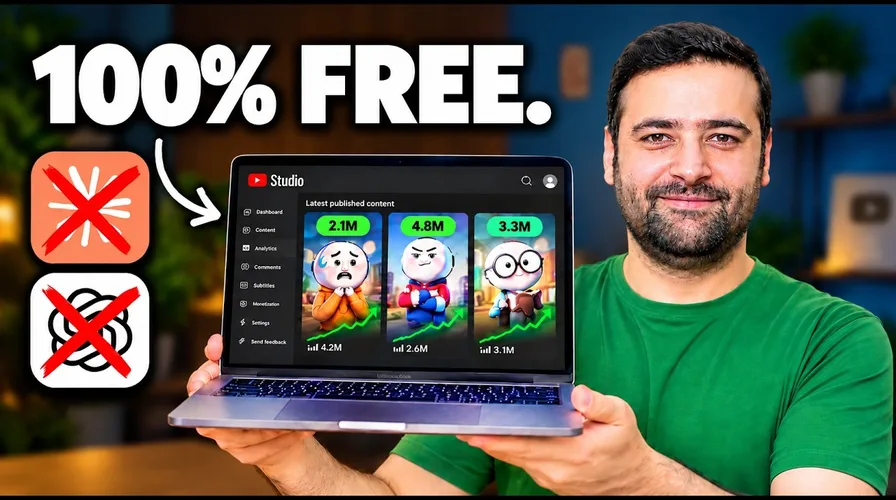
Want to create faceless YouTube Shorts without showing your face, recording your voice, or spending money on expensive AI tools?
With OpenCode AI and a free custom AI skill, you can create animated short videos with voiceovers, captions, and different animation styles without a paid Claude subscription.
In this tutorial, we’ll walk you through the entire process step by step.
Step 1: Install OpenCode AI
First, you need to install OpenCode on your computer.
- Visit OpenCode.ai.
- Copy the installation command for your operating system.
- Open Terminal on Mac or the appropriate command-line tool on Windows.
- Paste the command and press Enter.
- Once installed, type
opencodeto launch it.
Step 2: Select a Free AI Model
Once OpenCode is running, configure your AI model.
- Type
/modelsto access available AI models. - Select DeepSeek V4.1 Flash Free, as demonstrated in the tutorial.
- Use the effort command to set the effort level to maximum.
Free model availability may change over time.
Step 3: Download the Free Faceless YouTube Shorts Skill
We’ve created a custom AI skill that simplifies the entire video creation process.
Download the free skill here:
Faceless YouTube Shorts AI Skill – GitHub
To download and install it:
- Open the GitHub repository.
- Click the green Code button.
- Select Download ZIP.
- Drag and drop the downloaded file into OpenCode.
- Enter the following prompt:
Please install this skill.
OpenCode will install the required dependencies to generate your videos.
Step 4: Generate Your First Faceless YouTube Short
Once the installation is complete, enter a prompt describing your video idea.
For example:
Please create a funny animated YouTube Short about the GTA 6 release.
Choose your preferred animation style and let OpenCode generate your video.
The skill can generate:
- Animated vertical videos
- AI-generated voiceovers
- On-screen captions
- Video titles and descriptions
- Relevant hashtags
- Multiple animation styles
You don’t need a separate paid voiceover tool like ElevenLabs for the demonstrated workflow.
Step 5: Review and Publish Your YouTube Shorts
Once your video is generated, preview it and make any necessary changes before publishing.
You can also repurpose your videos for:
- YouTube Shorts
- Instagram Reels
- TikTok
- Facebook Reels
Focus on original stories, trending topics, engaging hooks, and entertaining content to improve your chances of reaching a larger audience.
Step 6: Automate YouTube Publishing With Zapier
If you’re creating multiple faceless videos, you can use Zapier to automate parts of your content publishing workflow.
This can help you save time, organize your content, and reduce repetitive publishing tasks across platforms.
Zapier is also the sponsor of our video tutorial.
Can You Make Money With Faceless YouTube Shorts?
Yes, faceless YouTube channels can earn money through YouTube monetization, sponsorships, and affiliate marketing.
However, your content must meet YouTube’s monetization requirements. Focus on creating original, entertaining videos rather than repetitive, mass-produced content.
Conclusion
Creating faceless YouTube Shorts doesn’t have to be expensive. With OpenCode AI and our free custom skill, you can generate animated videos with voiceovers without purchasing a Claude subscription.
Download the free skill, experiment with different video ideas, and start building your faceless YouTube channel today.