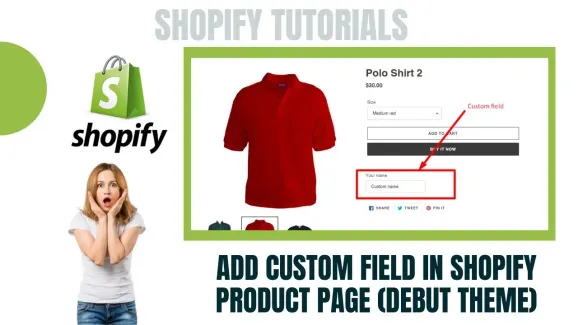
.BWarpezF_8mBHH.webp)
![How To Install WordPress on Localhost [Free Step-by-step]](/_astro/How%20to%20Install%20WordPress%20on%20Localhost%20_Free%20Step-by-Step_.Dct9zBdc_29R2Om.webp)
![How to Install Any Claude Skill From GitHub [Step-by-step] - Beginner Tutorial](/_astro/How%20to%20Install%20Any%20Claude%20Skill%20From%20GitHub%20_Step-by-step_%20-%20Beginner%20Tutorial.Cgks_FcS_1swru6.webp)
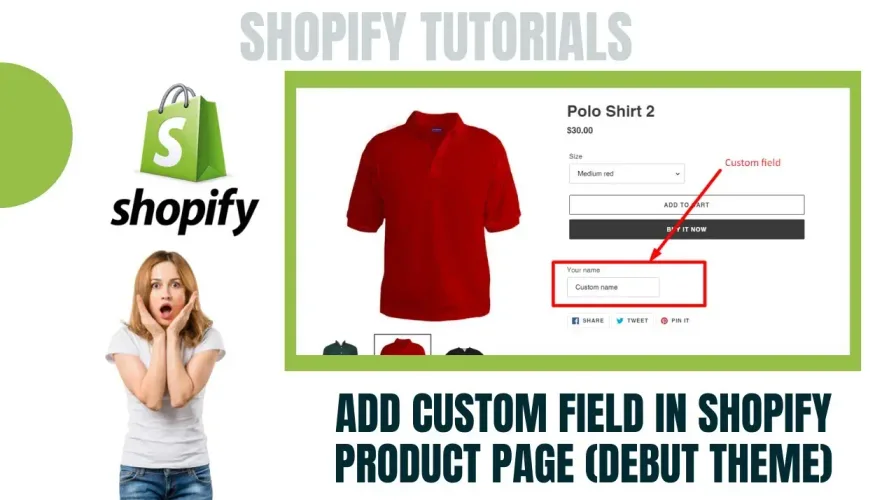
//Copy and paste the code below into your product.liquid

// Following code will display field as required + Will show in checkout page

<p class="line-item-property__field">
  <label for="your-name">Your name</label>
  <input required class="required" id="your-name" type="text" name="properties[Your name]">
</p>

// Following code will display field as required but it will not show in checkout page

<p class="line-item-property__field">
  <label for="your-name">Your name</label>
  <input required class="required" id="your-name" type="text" name="properties[_Your name]">
</p>

// Following code will display optional field in product page

<p class="line-item-property__field">
  <label for="your-name">Your name</label>
  <input id="your-name" type="text" name="properties[_Your name]">
</p>
5/5 · 6 votes