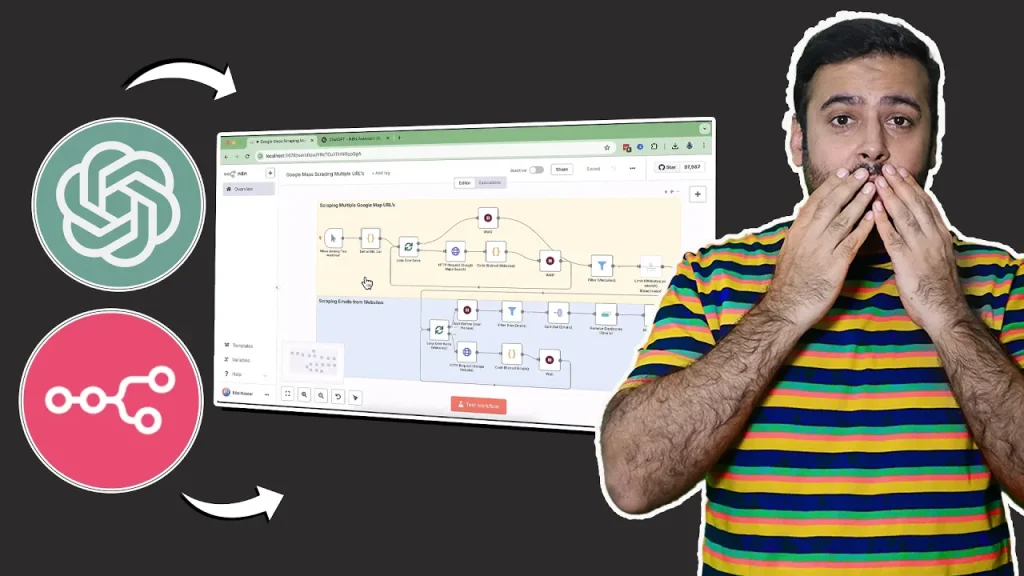
Build N8N Whatsapp Chatbot! [Simple Method]
Use following key in Window Buffer Memory: {{ $(‘WhatsApp Msg’).item.json.contacts[0].wa_id }}| Copy and paste following to get a complete chatbot Workflow Copy Code
Google Search Console (GSC) is a must-have tool for website owners who want to monitor their site’s search performance, submit pages for indexing, and improve SEO. If you have a Squarespace website, connecting it to Google Search Console is simple—and in this guide, I’ll walk you through three different methods to do it. Why You …
How To Connect Google Search Console With Squarespace Read More »
Create a new section “pricing-plan.liquid” and add the following code: Copy Code
An original animated product slider that can increase user interaction. With smooth transitions and attractive animations, it provides an engaging and visually appealing shopping experience, making it simpler and more enjoyable for customers to browse your products. Create a new section named animated-image-slider.liquid using the following code: Copy Code
Are you a digital marketer struggling to connect with your audience? Then you need to focus more on your social media presence. Social media acts as the bridge between modern business and audiences. Social media marketing is one of the most effective marketing strategies that reaches the maximum number of audiences. So, businesses use this …
The Effect of Social Media on All Areas of Your Business Read More »
In this video, I’ll show you how to add a live visitor counter to your Shopify product pages—a simple but powerful scarcity hack to increase conversions. Step 1: Create a new snippet file ‘visitor-counter.liquid’ with the following code: Copy Code Step 2: Add schema code in main-product.liquid file above “type”: “inventory” Copy Code Step 3: …
Adding a unique animated product slider to your Shopify store can significantly enhance user engagement and improve the overall shopping experience. With smooth animations and dynamic transitions, customers can easily browse through products, making your store more interactive and visually appealing. Note: Using transparent background images will enhance the design. Create a new section named …
How To Add Animated Product Slider In Shopify [Without APP] Read More »
Automating Facebook posts can save you time and boost your productivity — especially if you’re working with AI agents. In this blog post, I’ll guide you step-by-step on how you can connect N8n with Facebook to automatically post content on your Facebook pages. Let’s dive right into it! Step 1: Prepare Your Accounts Before starting: …
Want a mega menu for your Shopify store but ditching apps? You can achieve it! This post unveils a step-by-step guide to building a mega menu using your theme’s code. We’ll cover defining the structure, editing key theme files (.liquid), and adding CSS/JS for customization. Get ready to impress your visitors with a sophisticated navigation …